Sienovo TI AM5728 DCAN Driver Deep Dive
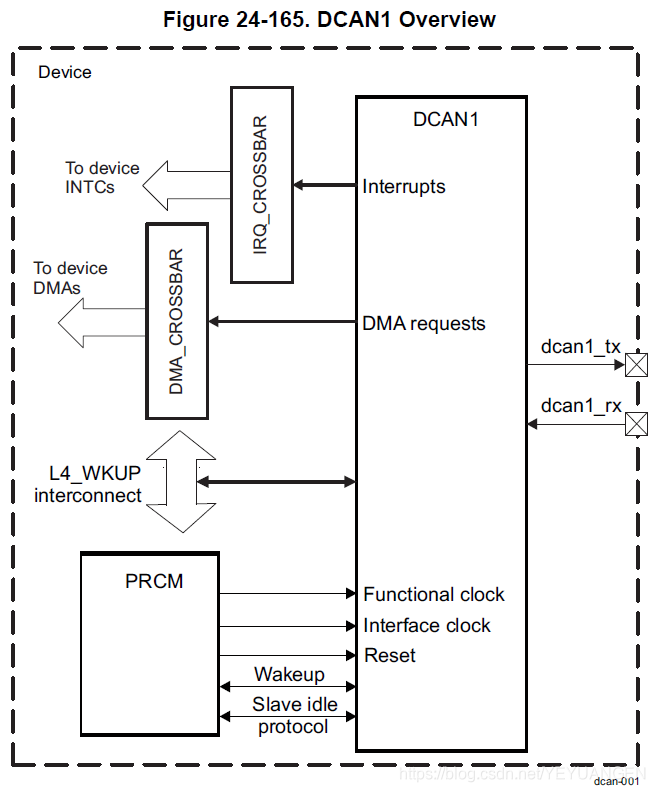
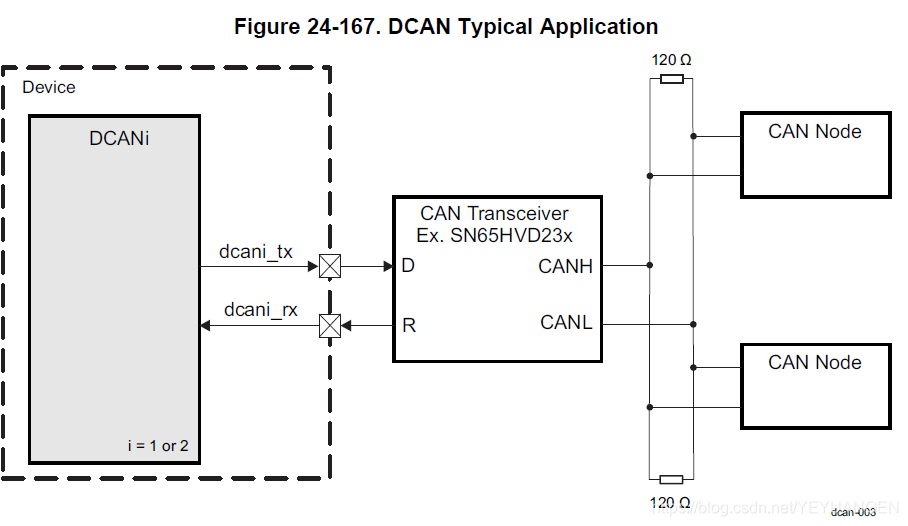
Device Tree DTS:
can @481cc000 {
compatible = "ti,dra7-d_can";
ti,hwmods = "dcan1";
reg = <0x4ae3c000 0x2000>;
syscon-raminit = <0x9 0x558 0x0>;
interrupts = <0x0 0xde 0x4>;
clocks = <0x10d>;
status = "disabled";
phandle = <0x209>;
};
can@481d0000 {
compatible = "ti,dra7-d_can";
ti,hwmods = "dcan2";
reg = <0x48480000 0x2000>;
syscon-raminit = <0x9 0x558 0x1>;
interrupts = <0x0 0xe1 0x4>;
clocks = <0x11>;
status = "disabled";
phandle = <0x20a>;
};
CAN Bus Testing Method
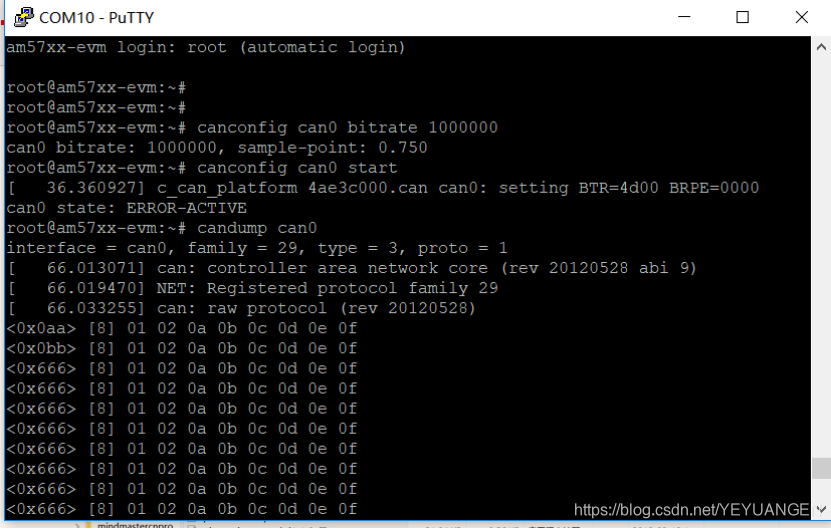
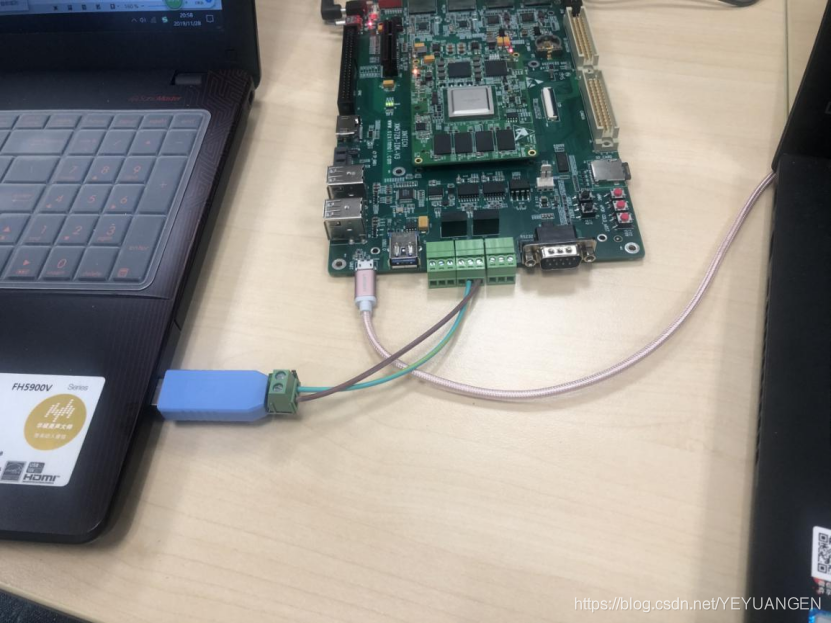
Execute the following commands in the development board's file system to configure CAN0 bus (CAN0 in software corresponds to CAN1 in hardware) with a bitrate of 1MHz and start the CAN bus:
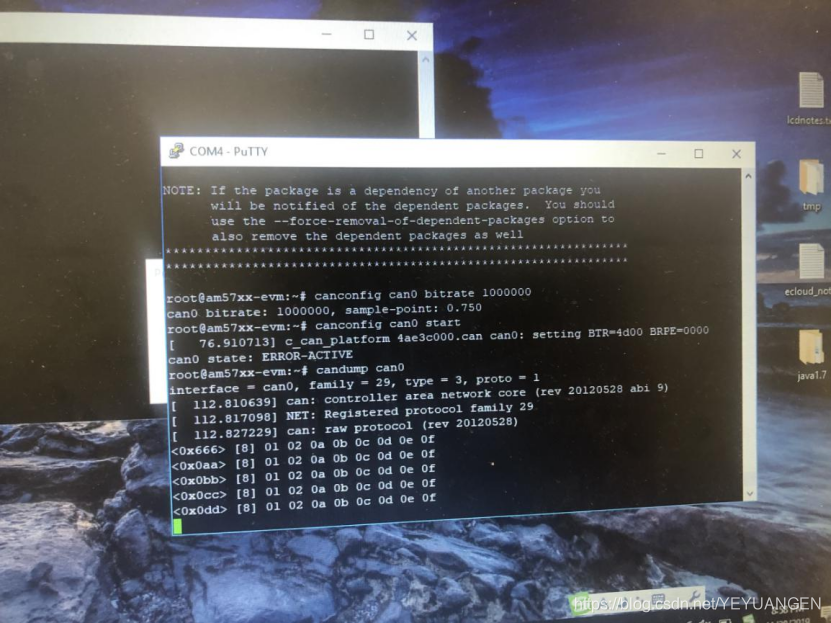
Target# canconfig can0 bitrate 1000000
Target# canconfig can0 start
Execute the following command to monitor data sent from the PC:
Target# candump can0
Driver automatically installed on PC
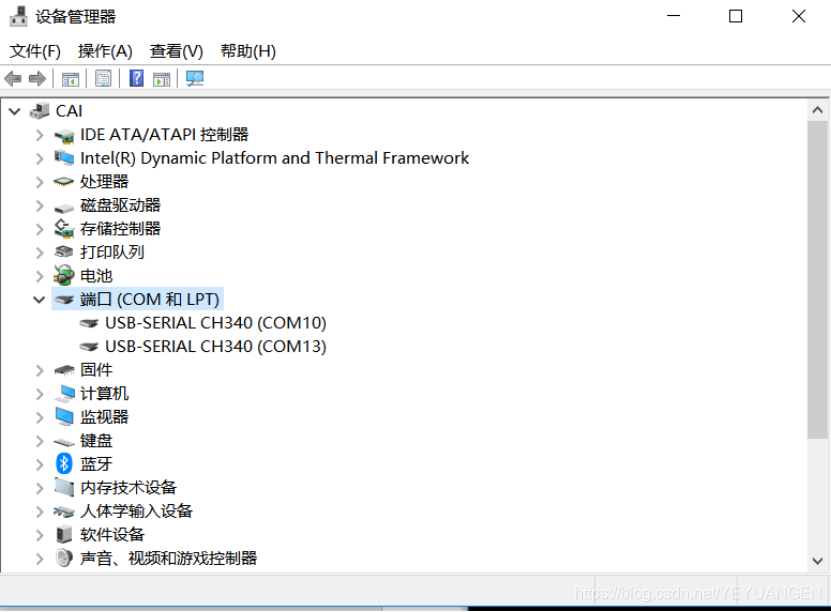
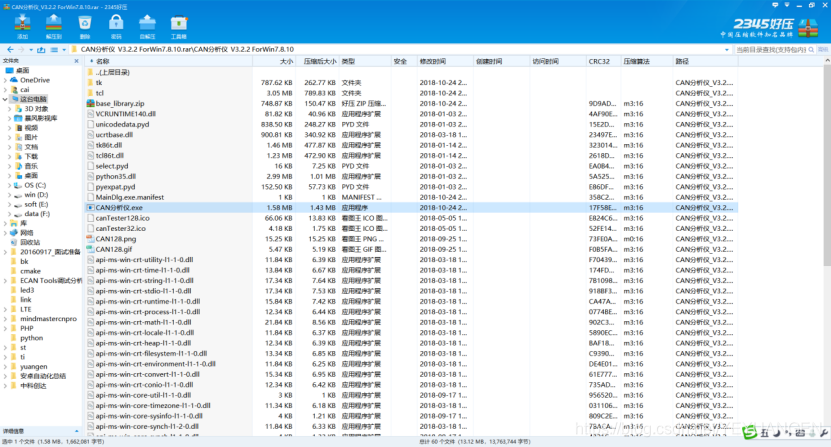
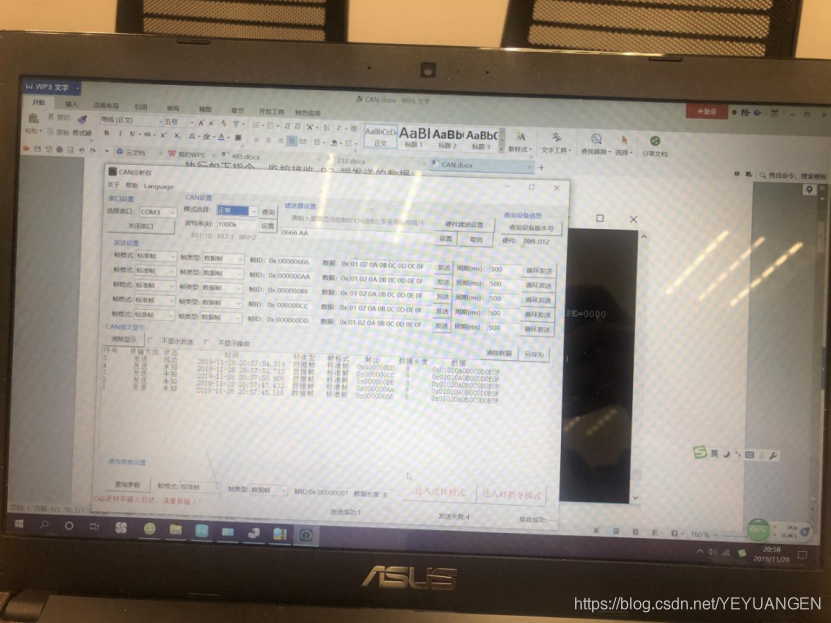
Then open the debugging instrument software
-
First, set the COM port and bitrate to 1MHz.
-
Select any data point to send or send in a loop.
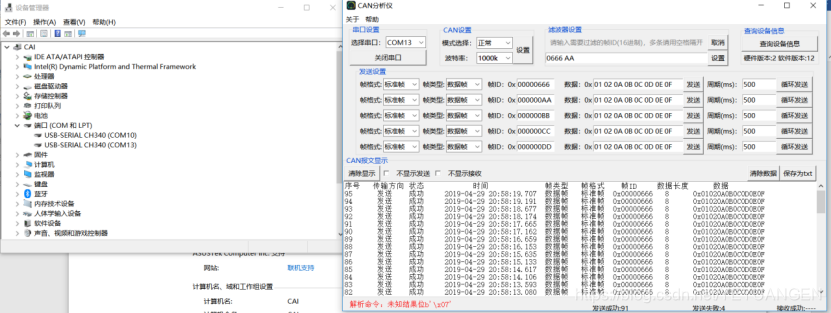
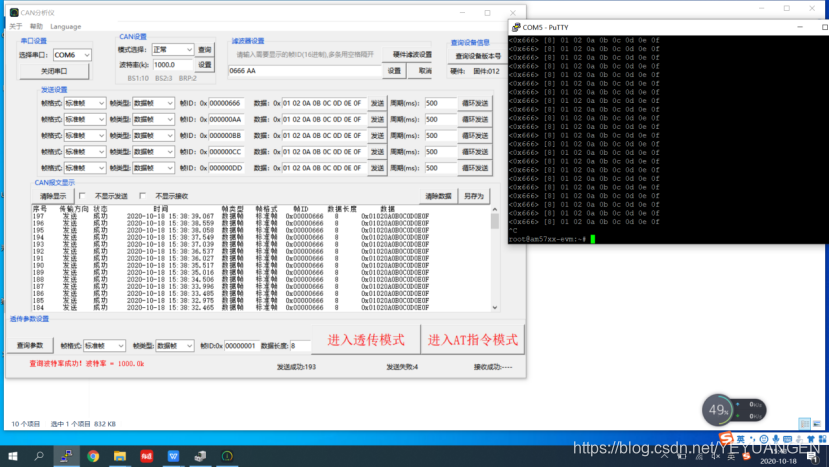
Example Screenshots
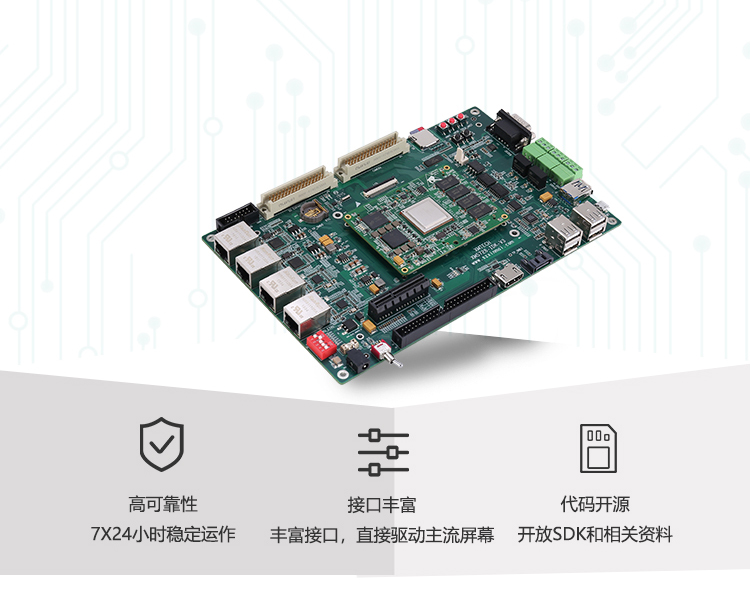
Reference Article: Sienovo AM5728 CAN Bus Testing and SDK Upgrade https://blog.csdn.net/YEYUANGEN/article/details/94588789